The honest answer is: less magic than it looks like, and more constraint-checking than people expect.
You upload one photo
That's the whole input. Not a floor plan, not measurements, not a 3D scan, one photo of the room, ideally straight-on and in daylight so the model can read the walls, windows and floor clearly. Phone photos are fine. A photo taken at an angle works too, it just gives the model less to go on.
The room gets read before it gets changed
Before anything is generated, the model works out what's fixed and what isn't: where the walls, windows, doors and floor actually are. That's the part that matters most, because it's also the part every cheap version of this gets wrong, a sofa floating in front of a door, a rug the wrong shape for the room, a wall that's moved six inches to make a composition prettier.
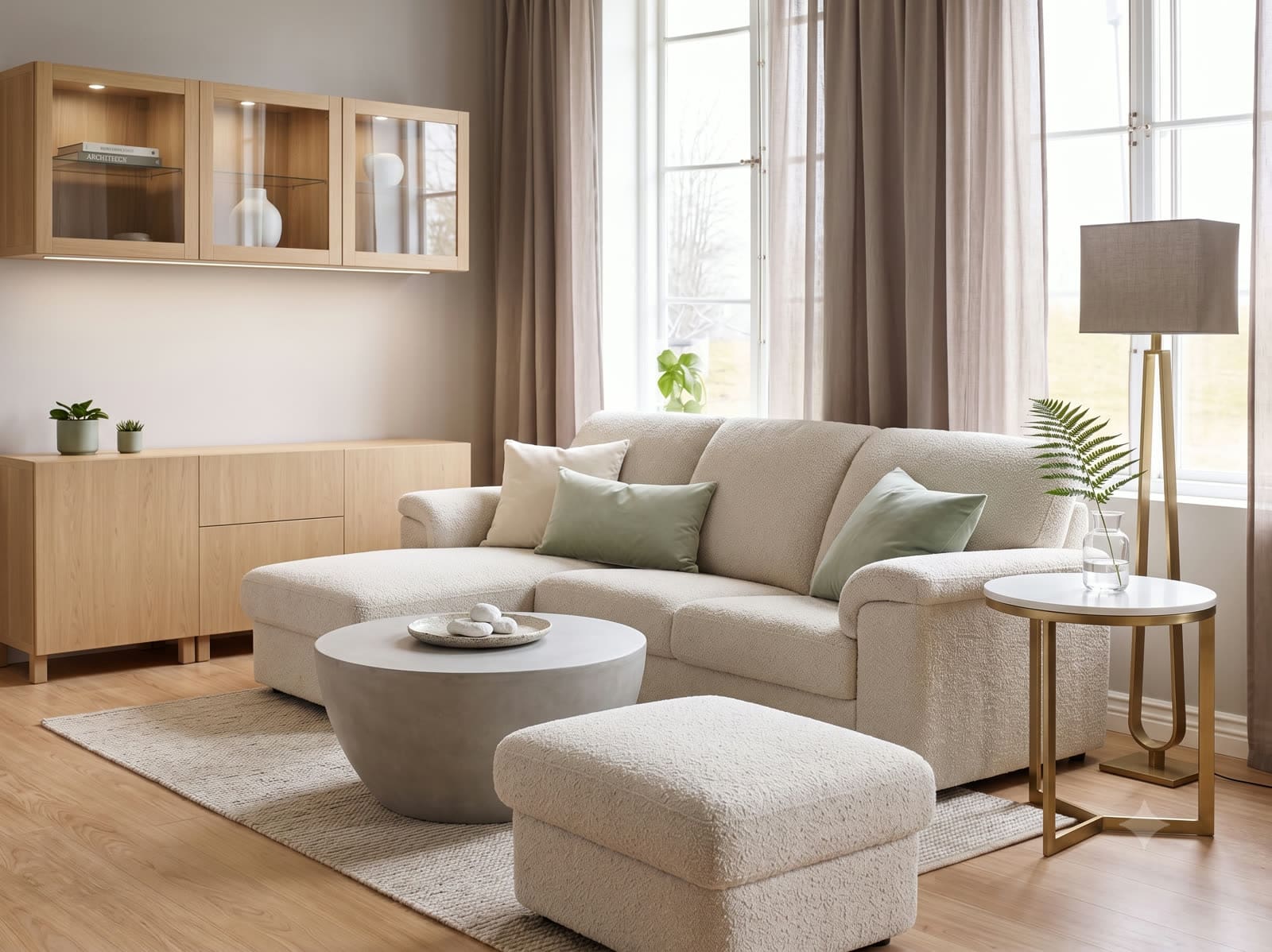
The constraint is simple to state and hard to enforce: the architecture doesn't move. Style changes on top of it; the room underneath stays the room you photographed.
Then it applies a style, or your own words
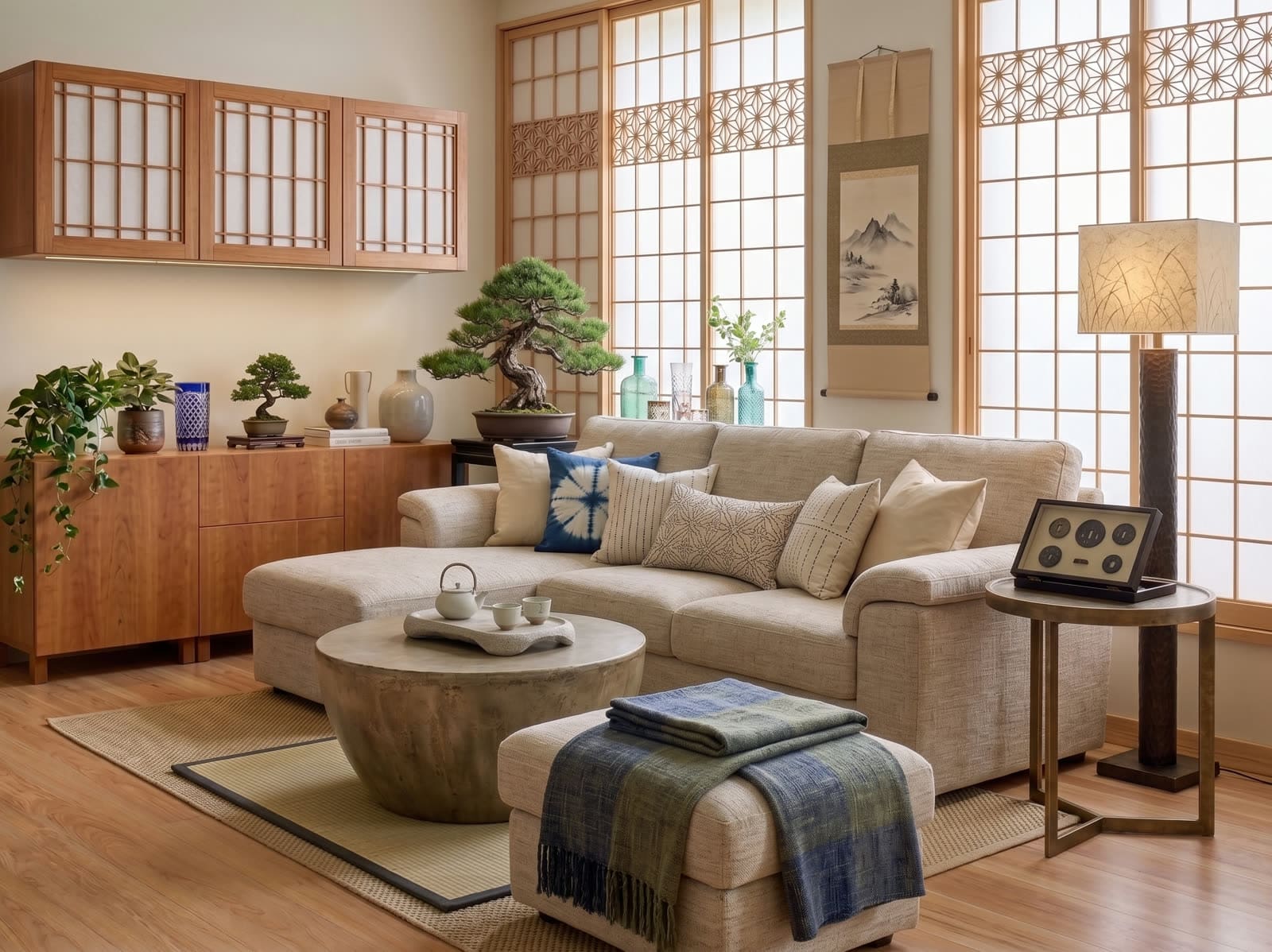
You pick from the built-in styles (Modern, Scandinavian, Minimal, Classic, Japandi, Industrial, Warm Natural) or skip that entirely and just describe what you want in plain English: "keep my sofa, swap the rug for something softer, add warmer lighting." Both paths go through the same model. The style templates exist because most people don't want to write a paragraph describing a look, they want to tap "Japandi" and see it.
It takes about 10 seconds
Not because it's simple, but because the room understanding step and the generation step now run together rather than as separate passes. Earlier versions of tools like this took much longer; a redesign you're waiting 30-60 seconds for is worse to iterate on, and iteration, try it, change one thing, try again, is most of how people actually use this.
What it's not doing
It's not measuring your room. It's not calculating how much paint or flooring you'd need to buy, that's a separate, harder problem (see [our post on why room measurement is still hard](/blog/why-measuring-a-room-is-still-hard)) and one we're building toward, not shipping today. What you get is a photorealistic preview, enough to know whether the green velvet sofa actually works in your actual light, before you spend anything finding out the hard way.
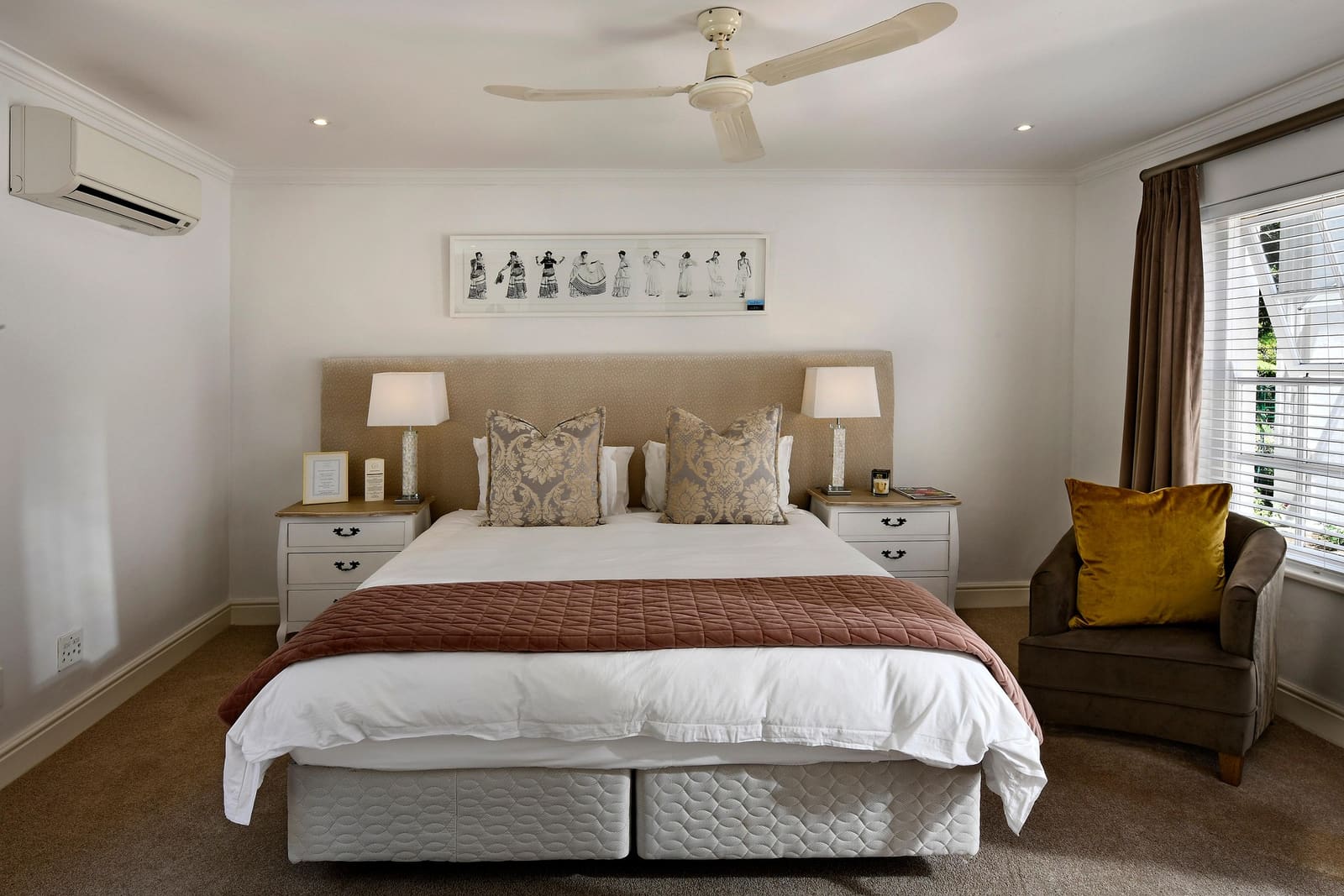
The test we hold ourselves to: if you can't tell which one is the photo and which one is the redesign at a glance, we've done our job. If you can immediately tell, we haven't.
Where it still gets things wrong
Being straight about this, because a tool that claims to be perfect isn't trustworthy: heavily cluttered rooms are harder, because the model has to guess at structure hidden behind your belongings. Very dark or backlit photos lose detail the model needs. And regenerating the same photo with a wildly different prompt each time can occasionally drift, which is why Regenerate exists as its own button, not just "try again from scratch."
If you want to see it rather than read about it, [start with a photo of your own room](/app/create), the first two redesigns are free.